
How do I switch my subscription to a different product?Updated 2 months ago
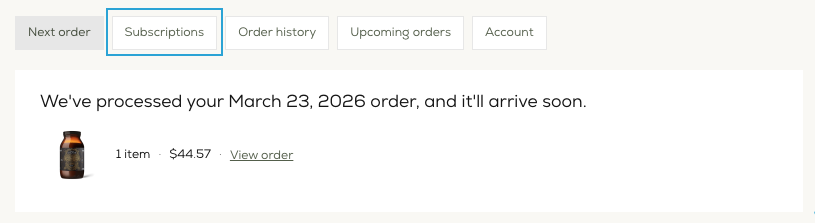
You can update your subscription product by simply logging into your account and clicking the Subscription tab of your account homepage.
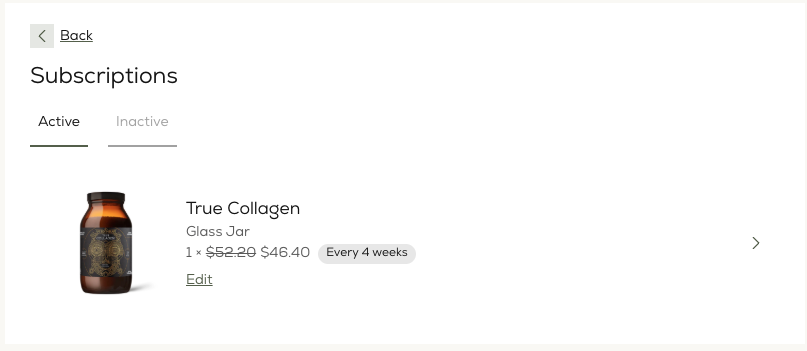
Then select 'edit' next to the subscription product you wish to swap.
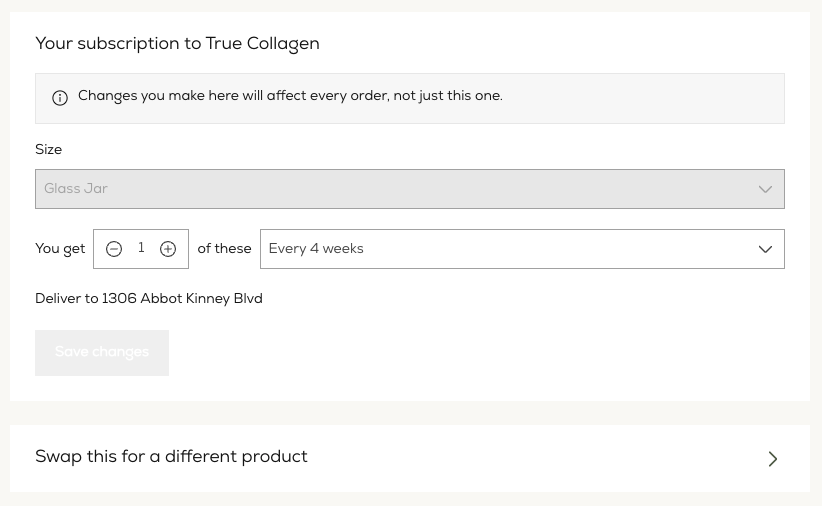
You will then have the option to 'Swap this for a different product' at the bottom of the page.
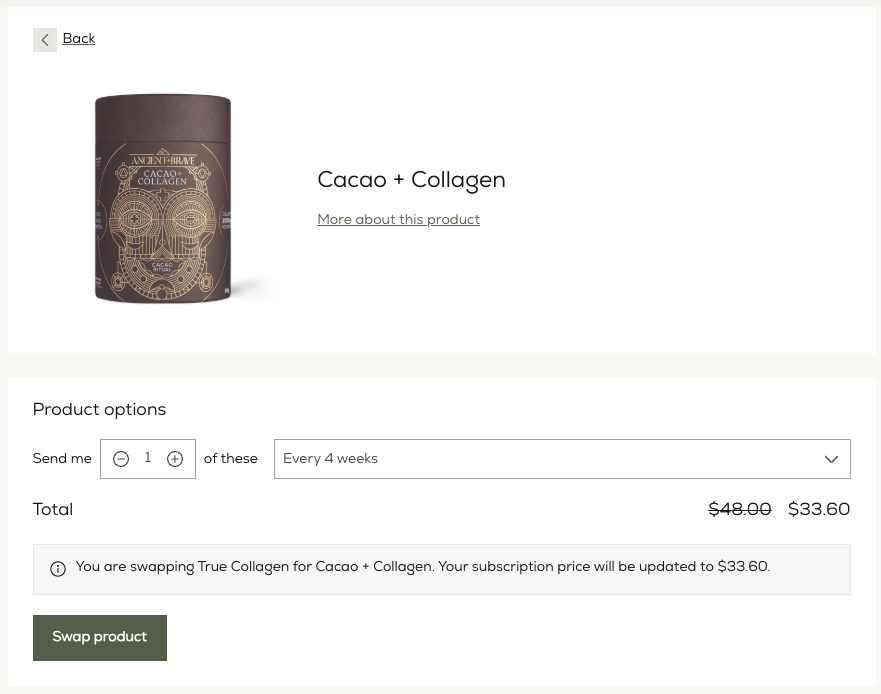
Search for and select the product you want to swap for.
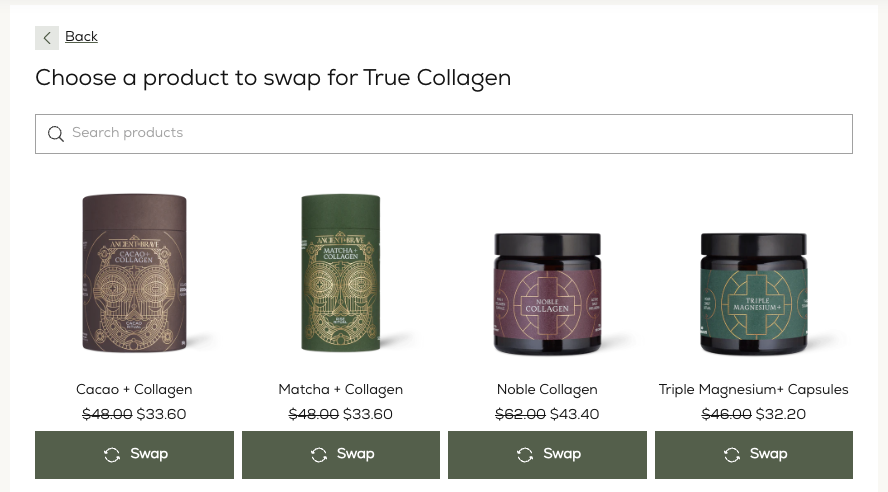
Choose the size and quantity options then click 'Swap product'.
Please send an email to [email protected] if you require further assistance.